

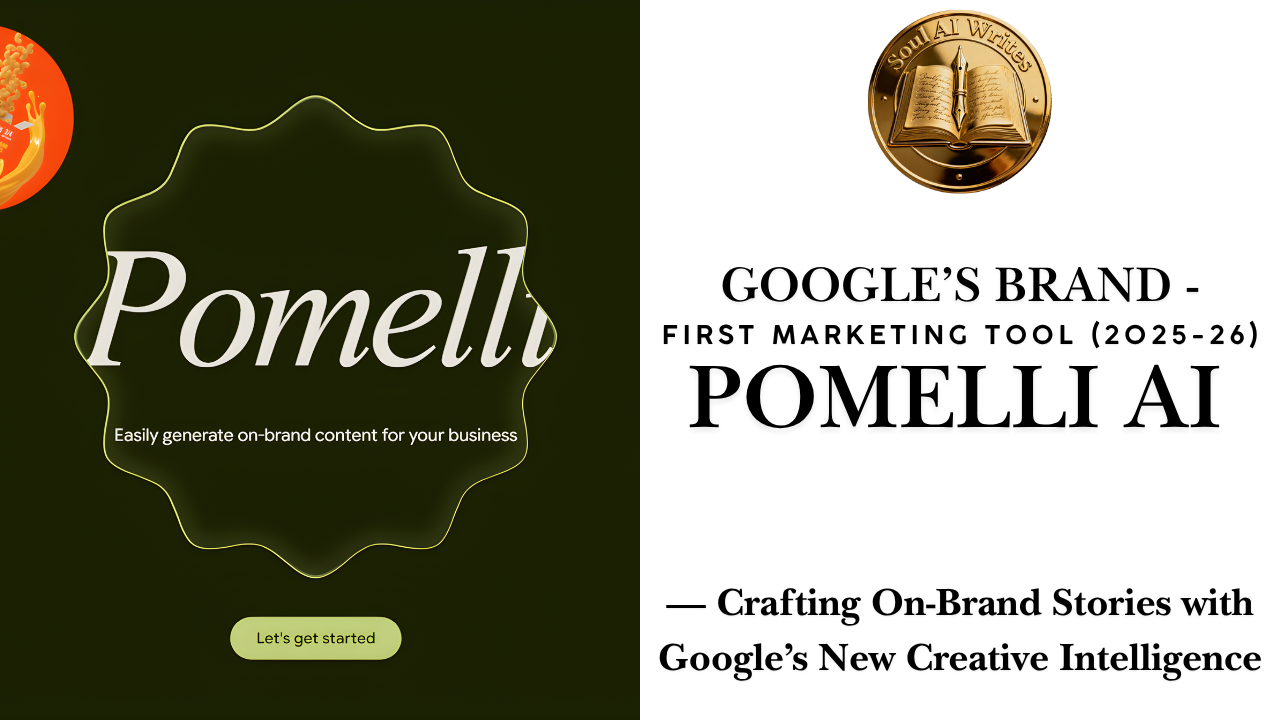
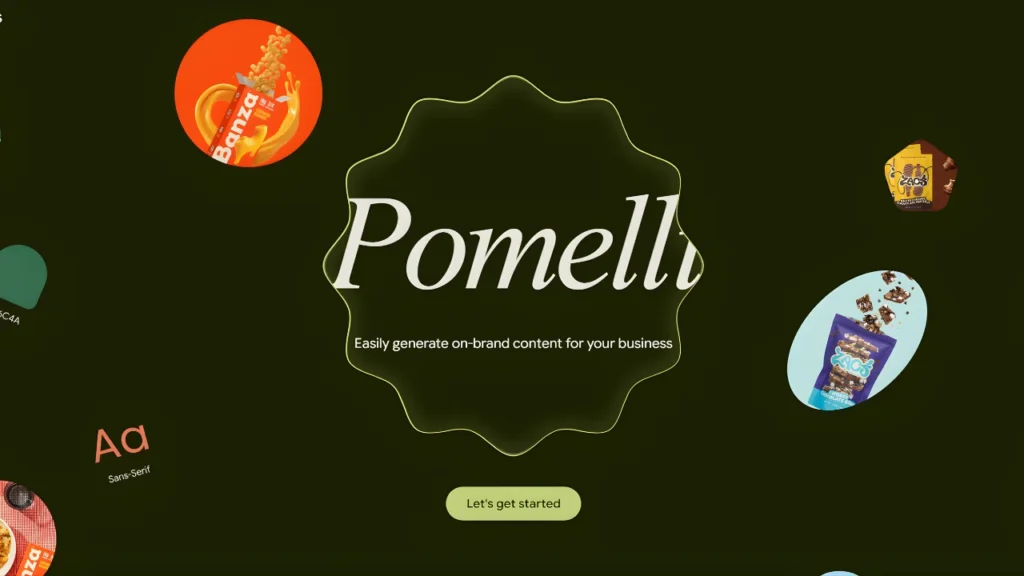
Pomelli AI — Google’s new marketing tool that builds a Business DNA from your site and generates on-brand social content for SMBs.

Introduction — What this is and why it matters
Small and medium businesses (SMBs) have always faced a familiar marketing challenge: limited budgets, sparse design resources, and the constant pressure to produce consistent, on-brand content across social media, email, and ads. Google’s newly released experimental product, Pomelli AI, aims to change that dynamic. Built in Google Labs with DeepMind technology, Pomelli promises a low-friction path from website → brand profile → ready-to-use campaign assets, turning the humble company website into a canonical “Business DNA” that guides every piece of generated content. The tool launched in public beta in late October 2025 and is currently available to English-language users in several markets.
This article explains what Pomelli is, how it works, why Google built it, where it fits in the marketing stack, and what practical implications it carries for SMBs, agencies, and platform partners. It also provides step-by-step guidance so you can try Pomelli in minutes, plus tactical tips and governance considerations.
What is Pomelli AI? A simple definition
Pomelli AI is an experimental web app from Google Labs (created in partnership with DeepMind) that automatically analyzes a business’s website to produce a compact “Business DNA” — a structured profile of tone, visuals, palettes, and messaging. Using that profile as a foundation, Pomelli generates campaign concepts, social images, captions, and content variations tailored to the brand. The output is editable inside the tool and available for manual download and distribution. The native goal: help time-pressed SMBs produce consistent, polished, on-brand marketing content quickly and cheaply.
Why Google built Pomelli: the problem it solves
Traditional content production for small businesses typically requires juggling multiple services: a copywriter for voice, a designer for visuals, a scheduler for distribution, and manual QA to keep everything on brand. That fragmentation creates friction, cost, and time drains — especially for micro-teams.
Google’s pitch for Pomelli is straightforward: let an AI learn the brand once (by scanning the site), then automate the heavy lifting of ideation and first-draft creation. For SMBs that need scale but not an enterprise workflow, this is compelling. The product also fits Google’s broader strategy: bring AI directly into practical workflows and surface more productive pathways from search and web content toward action.
How Pomelli AI works — the three-step workflow
Pomelli’s user flow is intentionally simple. In practice it follows three core phases:
1. Build your Business DNA
The user supplies a website URL. Pomelli scans the public pages (text, images, structure) and extracts brand signals: tone of voice, color palettes, typography cues when available, image style, and frequently used messaging. This model attempts to produce a compact profile that will guide content generation.
2. Generate campaign concepts
After profiling, Pomelli proposes campaign ideas or accepts a user brief (for example: “summer sale” or “new menu launch”). The tool suggests angles, target platform types (Instagram, X, LinkedIn, Facebook), and formats. These concept drafts are generated to align with the Business DNA.
3. Create and refine assets
Pomelli produces multiple image + caption variations optimized for different platforms. Users can edit text, swap images, tweak color accents, and download finished assets. Currently the platform focuses on asset export rather than direct publishing.
Under the hood, Pomelli blends large-language model capabilities (for messaging and caption generation) with image synthesis and layout heuristics for visual assets. The DeepMind connection suggests Google leveraged its advanced model research to make brand inference more robust than simple keyword matching, though Google has not published full technical specifics yet.
Key features at launch
Below are the features Google is highlighting and the practical value they deliver.
- Business DNA Builder — Automatically derives brand cues from your existing website so the first draft already “feels like you.” This reduces the back-and-forth that often kills small marketing projects.
- Multi-platform formatting — Exports images and captions formatted for the most common channels, reducing time spent re-sizing and re-writing.
- Editable outputs — Assets are not final: Pomelli provides in-tool editors so you can quickly tweak voice or visuals before downloading. This preserves human oversight.
- Rapid ideation — Instead of starting from a blank slate, small businesses get instant campaign directions — useful for busy owners who need speed over bespoke design.
- Public beta availability — Google launched Pomelli as a public beta in the US, Canada, Australia, and New Zealand (English), allowing rapid feedback cycles. Expect evolution in capabilities and region expansion over time.
How Pomelli compares with incumbent tools
Pomelli’s ambition is specific: brand consistency automated from a single URL input. That differentiator makes its tradeoffs clear when compared to incumbents.
| Capability | Pomelli AI | Canva | Adobe Express | Jasper.ai |
|---|---|---|---|---|
| Brand profile setup | Automatic via website scan | Manual brand kit | Manual brand kit | Manual voice setup |
| Visual asset generation | AI-synthesized images + layouts | Template-driven design + images | Template and stock imagery | Text-first (copy) |
| Multi-platform export | Yes — images + captions | Yes (scheduling via Canva Pro) | Yes | Limited |
| Direct publishing | No (beta) | Some (Canva Scheduler) | Some | No |
| Best for | Speedy brand-consistent drafts | Hands-on designers & non-designers | Rich visual production | Copy and long-form content |
Practical takeaway: Pomelli’s edge is speed-to-first-draft and brand automation. Canva and Adobe remain stronger for hands-on visual design, templates, and publishing integrations; Jasper still leads for long-form copy generation and content workflows.
(Sources: Google Labs product page and multiple coverage pieces.)
Who should try Pomelli
Ideal users
- Solo founders and micro-agencies needing quick, brand-aligned social posts.
- Retailers and local businesses launching seasonal promos or product announcements.
- Startups bootstrapping content without a marketing team.
Users who might wait
- Enterprises requiring audit trails, publishing pipelines, and tight approval governance.
- Companies with minimal or outdated websites — Pomelli’s brand inference needs quality source material to perform well.
- Teams needing integrated scheduling and analytics — Pomelli currently focuses on asset creation, not end-to-end campaign orchestration.
Real-world use cases
1. Local café launching a seasonal menu
Input homepage → Pomelli builds Business DNA reflecting friendly, cozy tone and warm color palettes → user requests “autumn menu” campaign → Pomelli returns 8 image + caption variations sized for Instagram and Facebook → café owner downloads and schedules the best three items. Result: campaign created in under an hour.
2. E-commerce storefront with limited marketing staff
Pomelli analyzes product pages to identify flagship products and tone → owner requests “flash sale” creative → receives multi-platform assets that require only minor product photo swaps.
3. Small agency rapid prototyping
Agency uses Pomelli to deliver first-draft creative concepts to a new client for approval; human designers then refine the chosen direction. This shortens discovery cycles and helps price discovery.
These scenarios underscore Pomelli’s value: faster ideation, consistent initial drafts, and a reduced need for specialized in-house resources.
Step-by-Step Quick Start Guide
1. Go to Pomelli — Visit the Google Labs Pomelli page and click “Try it.” (Pomelli is currently in public beta.)
2. Enter your website URL — Paste your homepage or the most representative domain page. Wait ~30–90 seconds while the Business DNA is built.
3. Choose campaign scope — Select goal (awareness, engagement, conversion), pick platforms (Instagram, X, LinkedIn, Facebook), and optionally add a short brief.
4. Review generated concepts — Pomelli presents several campaign directions and image + caption combos. Save favorites or request “more like this.”
5. Edit and download — Refine any text or visual settings; export images (JPG/PNG) and captions (TXT) for manual publishing.
Pro tips:
- Use a well-maintained homepage for better results. If your site has outdated images or vague copy, consider adding a brand page first.
- Start with a narrow brief (product launch or event) rather than “make something viral” — focused prompts yield higher-quality content.
- Test 2–3 variations live and iterate based on engagement signals — Pomelli is best for quick iteration, not the final creative polish.
Limitations & responsible use
Pomelli is not a silver bullet. Important caveats:
- Quality depends on source fidelity. If your website is sparse or inconsistent, the Business DNA will reflect that. Expect more manual edits if your site is not representative.
- No built-in publishing (beta). You must download and manage distribution via your scheduler of choice. This adds one manual step for many workflows
- Creative nuance is limited. AI can produce solid first drafts but may miss cultural nuance or highly inventive creative approaches that experienced human teams deliver.
- Regulatory and compliance risks. For regulated industries, marketing claims must be validated; AI output should never be posted without legal review when compliance matters.
- Data & privacy concerns. Although Pomelli analyzes public website content, organizations should understand how generated data, prompts, or derived assets are stored or used by Google. See the Google Labs privacy documentation for specifics.
Privacy, data handling & governance considerations
When a tool ingests your website content and returns derivative creative work, three governance questions matter:
1. Where is the data stored? Google Labs publishes a privacy notice for experiments — check the Pomelli terms and any retention statements before uploading sensitive assets.
2. Who can access the generated assets? For agencies or shared accounts, ensure role-based access so drafts are not publicly exposed.
3. Are outputs auditable? For regulated messaging (financial, medical), maintain internal logs of human reviews and approvals. Pomelli currently prioritizes fast drafts; governance must be added by adopters.
Pricing and availability (what we know at launch)
- Availability: Public beta launched Oct 28, 2025; English beta open to users in the United States, Canada, Australia, and New Zealand.
- Pricing: Pomelli is free during public beta. Google has not published a formal pricing plan; expect future tiers (free + paid/enterprise) and potential integrations with Google Workspace or Google Ads down the line.
Strategic implications for the marketing stack
Pomelli signals a growing pattern in AI tooling: automate the brand-consistent first draft, then humanize and publish. In practice:
- Workflows will bifurcate. Humans will focus on strategy, approvals, and high-impact creative; AI will reduce iteration cost for drafts and A/B test variants.
- SMBs gain leverage. Smaller teams can produce professional output faster, improving competitiveness for local businesses and small brands.
- Agencies will adapt. Agencies can use Pomelli for rapid concepting and charge for higher value-add services (strategy, editing, media buys).
Final verdict
Pomelli AI is a notable experiment: it pairs Google’s modelling strength with a pragmatic SMB use case. For many small businesses, Pomelli’s Business DNA approach will significantly reduce time to first draft and lower the cost of producing on-brand content. That said, the tool intentionally targets speed and alignment rather than polished, bespoke creative. Until Pomelli integrates scheduling, analytics, and enterprise controls, it’s best seen as a high-velocity ideation and first-draft engine — ideal for bootstrapped marketing teams, agencies doing client discovery, and small brands wanting consistent social content fast.
Where to try Pomelli
Google Labs Pomelli page: labs.google.com/pomelli
Read more articles

25 Best AI Prompts for Professionals! Save Hours of Work!
The AI Professional Suite: How to Build a C-Suite Team for $0 In the professional…

Best AI Productivity Prompts: 14 Hacks to Work 10x Faster!
The AI Productivity Suite: How to Do a Week’s Work in One Afternoon We all…
Best AI Social Media Prompts: 36 Ways to Go Viral Fast!
The Ultimate AI Social Media Manager: How to Run a Media Empire Solo There is…
Best AI On-Page SEO Prompts: 3 Ways to Rank Higher!
The AI Page Perfector: How to Make Google Fall in Love With Your Content Most…
Want to Dominate Maps? 5 AI Local SEO Prompts!
The AI Local Hero: How to Beat Big Brands in Your Neighborhood If you safely…
Best AI Ecommerce SEO Prompts: 4 Secrets to Scale Fast!
The AI Store Manager: How to Write 1,000 Product Descriptions Without Losing Your Mind Running…






Leave a Reply