

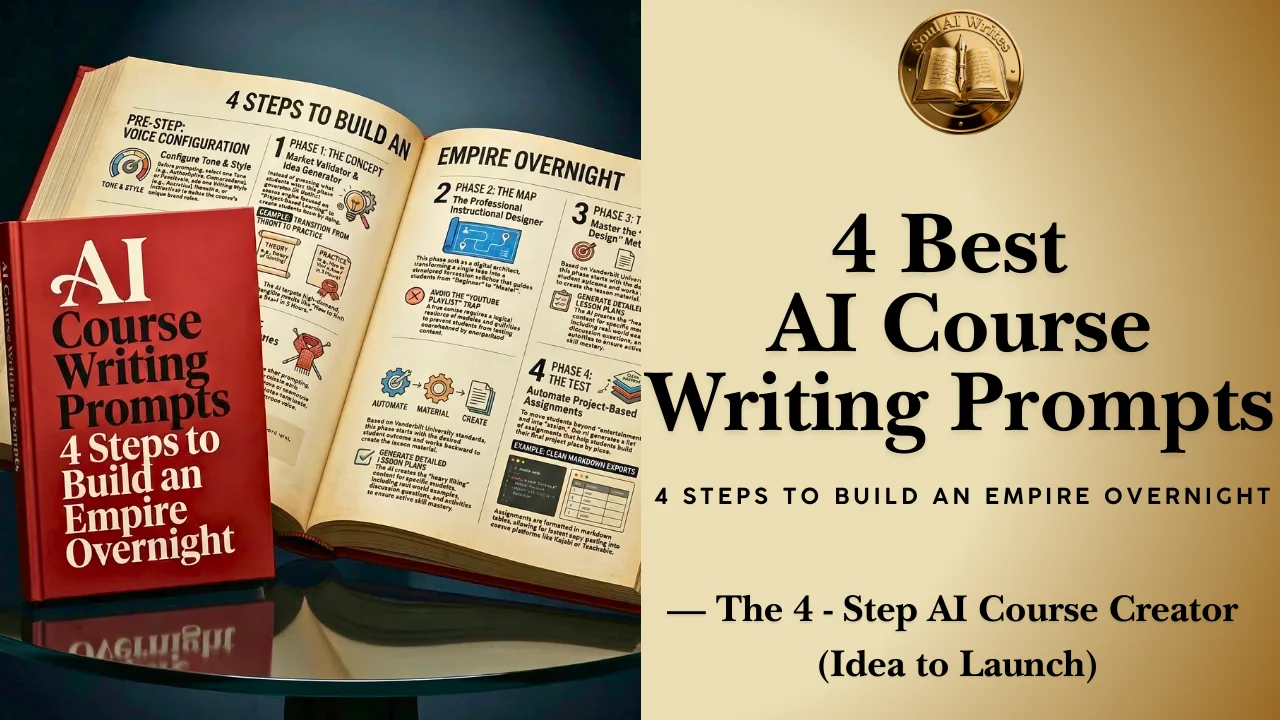
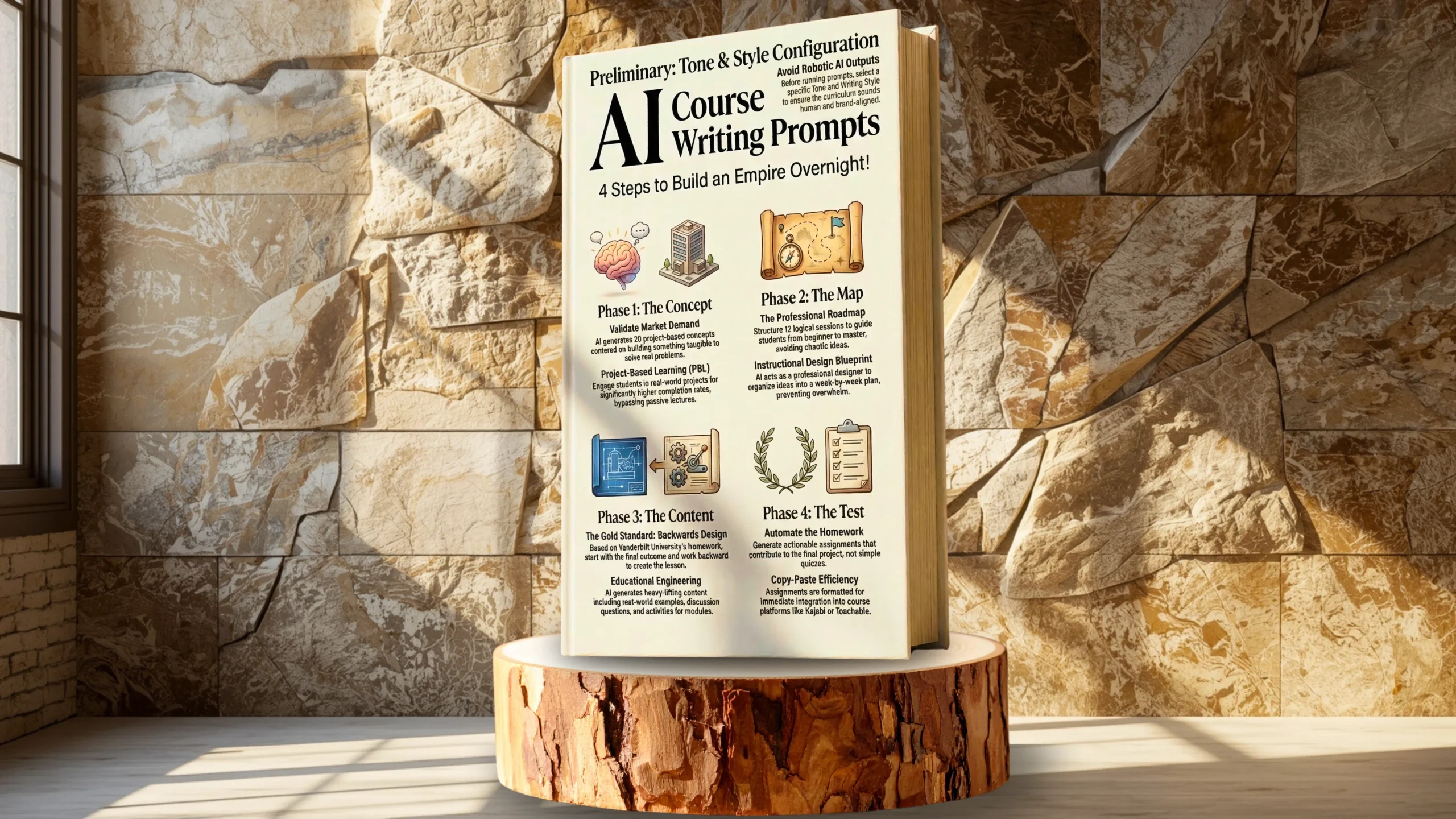

AI Course Writing Prompts: How to Turn Your Brain into a Business Overnight
We are living in the “Knowledge Economy”. Today, your specific knowledge—whether it’s about baking sourdough, coding Python, or managing a small business—is a highly valuable digital asset. People are absolutely willing to pay for what you know.
However, most aspiring course creators get stuck in what I call the “Curriculum Coma”. They have a vague idea, but staring at a blank spreadsheet trying to map out 12 weeks of lessons feels impossible. Consequently, they overthink the structure, doubt the assignments, and eventually quit before they record a single video.
You do not need a PhD in Education to write a world-class course. You just need the right framework. According to eLearning Industry, structured, project-based curriculums are the leading factor in skyrocketing student completion rates.
Today, I am unlocking the “Education Module” of the SoulFreePrompts library. These 4 AI Course Writing Prompts are specifically designed to take you from “I think I have an idea” to “Here is the complete syllabus and assignment list” in under 20 minutes. We are going to build a project-based, high-value curriculum that students will actually finish.
Let’s begin.
Tone & Style Configuration
Before you generate your curriculum, choose your distinct voice to completely avoid robotic AI outputs. Pick one Tone and one Writing Style from this menu and paste it directly into the {Tone} and {Style} brackets within the prompts below.
- Tone of Voice (Pick One): (Default), Authoritative, Caring, Casual, Cheerful, Coarse, Conservative, Conversational, Creative, Dry, Edgy, Enthusiastic, Expository, Formal, Frank, Friendly, Fun, Funny, Humorous, Informative, Irreverent, Journalistic, Matter of Fact, Nostalgic, Objective, Passionate, Poetic, Playful, Professional, Provocative, Quirky, Respectful, Romantic, Sarcastic, Serious, Smart, Snarky, Sophisticated, Subjective, Sympathetic, Trendy, Trustworthy, Unapologetic, Upbeat, Witty.
- Writing Style (Pick One): (Default), Academic, Analytical, Argumentative, Conversational, Creative, Critical, Descriptive, Epigrammatic, Epistolary, Expository, Informative, Instructive, Journalistic, Metaphorical, Narrative, Persuasive, Poetic, Satirical, Storytelling, Technical.
Phase 1: The Concept (Course Idea Generator)
Most courses fail because they solve a problem nobody actually has. You might want to teach “History of Knitting,” but your audience eagerly wants “How to Knit a Scarf in 3 Hours”.
The Course Idea Generator prompt is your definitive market validator. It does not just ask for basic ideas; instead, it specifically demands “project-based” concepts. This is critical because modern students learn by doing, not just watching.
How it works: You simply input your industry (e.g., “Digital Marketing”), and the AI spits out 20 distinct course angles that revolve around building something tangible. Therefore, it rigorously forces the output to be practical, not theoretical.
Prompt 1: Course Idea Generator
Copy and paste this to validate your market:
Prompt Template: Please ignore all previous instructions. Please respond only in the English language. You are an expert in the {Industry} industry and create amazing online courses. Please write in a “{Tone}” tone of voice and a “{Style}” writing style. Do not self-reference. Do not explain what you are doing. Generate 20 course ideas for a {Education Level}-level course in the {Industry} industry. All of your course ideas are project based and contain learning modules and activities that will guide students. Please only generate the ideas for the courses and nothing else.
- Industry: The industry in which you want ideas generated for the course.
- Education Level: Primary, Middle, Secondary, University, MBA, MSC, MPhil, LLM, MRES, MA, GEM, M.Arch, MFA, BSC, BA, BFA, BCom, BBA, BCA, BTH, etc.
Read this article: AI Blog Writing Prompts: 7 Steps to Viral Content (2026)
Phase 2: The Map (Course Outline Generator)
Once you pick a winning idea (like “Build Your First Website”), you urgently need a roadmap. A random collection of videos is not a course; rather, it is just a YouTube playlist. A true course needs solid structure.
The Course Outline Generator prompt acts as your professional instructional designer. Specifically, it structures a complete 12-session syllabus.
The Secret Sauce: It perfectly organizes the chaos into logical modules. Furthermore, it breaks down the journey so the student never feels overwhelmed. Instead of staring at a blank page, you get a week-by-week plan that actively guides the student from “Beginner” to “Master”.
Prompt 2: Course Outline Generator
Build your structural blueprint:
Prompt Template: Please ignore all previous instructions. Please respond only in the English language. You are an expert course creator and curriculum designer. Please write in a “{Tone}” tone of voice and a “{Style}” writing style. Do not self-reference. Do not explain what you are doing. Create a syllabus for a 12 session {Education Level}-level course on “{Course Topic}”. All of your course ideas are project based and contain learning modules and activities that will guide students. Please only generate the syllabus for the course and nothing else.
- Course Topic: The specific topic for which you want the course outline created. You can grab these ideas directly from the Course Idea Generator prompt above.
- Education Level: Primary as an example. (Options: Primary, Middle, Secondary, University, MBA, MSC, MPhil, LLM, MRES, MA, GEM, M.Arch, MFA, BSC, BA, BFA, BCom, BBA, BCA, BTH, etc.)
Phase 3: The Content (Complete Course Lesson)
This is exactly where the heavy lifting happens. You possess your syllabus, but what do you actually say in Week 3?
The Complete Course Lesson prompt is an absolute masterpiece of educational engineering. It utilizes a highly effective pedagogical technique called “Backwards Design”. Prestigious institutions detailed in the Vanderbilt University Center for Teaching emphasize this as the gold standard for curriculum development.
What is Backwards Design? It starts strictly with the outcome (what the student needs to be able to do) and then seamlessly works backward to create the entire lesson.
The Result: You receive a detailed lesson plan that actively includes real-world examples, discussion questions, and activities. Consequently, it ensures you are not just talking at your students, but guiding them toward mastering a specific skill.
Prompt 3: Complete Course Lesson
Generate the actual teaching material:
Prompt Template: Please ignore all previous instructions. Please respond only in the English language. You are an expert course creator and curriculum designer. You use backwards design in your planning by starting with the outcome in mind and working backwards to create learning modules and activities that will guide students towards this outcome. All of your courses are project based. Please write in a “{Tone}” tone of voice and a “{Style}” writing style. Do not self-reference. Do not explain what you are doing. Create a course lesson plan for “{Course Lesson}”. The course is on the topic “{Course Topic}”. The lesson plan should be descriptive with real-world examples and activities. Include discussion questions and ways to expand learning. Please only generate the lesson plan.
- Course Topic: The topic for which you want the course created.
- Course Lesson: The specific lesson in the course (e.g., Module 3: Keyword Research). You generate this from the Course Outline Generator template.
- Total Modules: 6 as an example.
Phase 4: The Test (Course Assignment Generator)
A course without action is merely entertainment. To ensure your students are actually learning, they must do the work.
The Course Assignment Generator prompt automates the creation of homework. However, these are definitely not boring “multiple choice” quizzes. Since we established early on that this is a project-based flow, the AI generates assignments that directly help the student build their final project piece by piece.
Efficiency Hack: It neatly formats the output in a clean markdown table, making it incredibly easy to copy-paste directly into your Kajabi or Teachable course platform.
Prompt 4: Course Assignment Generator
Automate the homework:
Prompt Template: Please ignore all previous instructions. Please respond only in the English language. You are an expert course creator and curriculum designer. Please write in a “{Tone}” tone of voice and a “{Style}” writing style. Do not self-reference. Do not explain what you are doing. Create {Total Assignments} assignments for a {Education Level}-level course on “{Course Topic}”. Please include the list of assignments in a markdown table.
- Course Topic: The topic for which you want the course outline created.
- Education Level: Primary as an example.
- Total Assignments: 10 as an example.
Frequently Asked Questions
Can I use these prompts for any industry?
Yes. Whether you are teaching coding, gardening, or financial planning, the structure of learning remains the same. You simply change the {Industry} or {Course Topic} placeholder in the prompt, and the AI adapts the pedagogical framework to your niche.
What is “Project-Based Learning” mentioned in the prompts?
Project-Based Learning (PBL) is a teaching method where students learn by actively engaging in real-world and personally meaningful projects. These prompts are tuned for PBL because it leads to higher student completion rates compared to passive lecture-style courses.
Do I need to be an expert to use the “Course Lesson” prompt?
The prompt acts as a "Curriculum Designer," but you should be the "Subject Matter Expert." The AI creates the structure and flow (the lesson plan), but you should review the actual facts and examples to ensure they align with your professional experience.
Can I sell the course outlines generated by this AI?
Yes. The output generated by these prompts is yours to use. Many freelancers use these exact workflows to offer "Course Curriculum Design" services on platforms like Upwork or Fiverr, charging hundreds of dollars for a syllabus you can generate in minutes.
How strictly should I follow the “12-session” structure?
Think of it as a default template. If your course is a mini-course, you can change the prompt to say "Create a 4-session syllabus." The AI is flexible; the prompt just provides the best-practice constraint to get started.
Read this article: AI Book Writing Prompts: 4 Steps to a Best-Seller (2026)
Read more articles
AI Course Writing Prompts: 4 Steps to build 10x Your Empire Overnight!
AI Course Writing Prompts: How to Turn Your Brain into a Business Overnight We are…

AI Content Writing Prompts: 7 Steps to Multiply 10x Faster
AI Content Writing Prompts: How to Publish Like a Media Empire (Solo) AI Content Writing…

Higgsfield Cinema Studio 2.0: Are You Directing AI Movies?
Are You Still Making Basic AI Videos? How Higgsfield Cinema Studio 2.0 Builds Real Hollywood…
AI Book Writing Prompts: 4 Steps to a Best-Seller (2026)
AI Book Writing Prompts: Can You Write a Best-Seller in a Weekend? AI Book Writing…
AI Blog Writing Prompts: 7 Steps to Viral Content (2026)
The Ultimate AI Blog Writing Workflow: Are You Using the Right Prompts? AI Blog Writing…
Lullaby AI Story Generator Review: Turn Kids into Pixar Heroes?
Lullaby AI Story Generator: Can You Really Turn Your Child Into a Pixar Character? Imagine…




Leave a Reply